
Apple Introduces Touchscreen Support on New MacBook Pro with Select macOS Enhancements
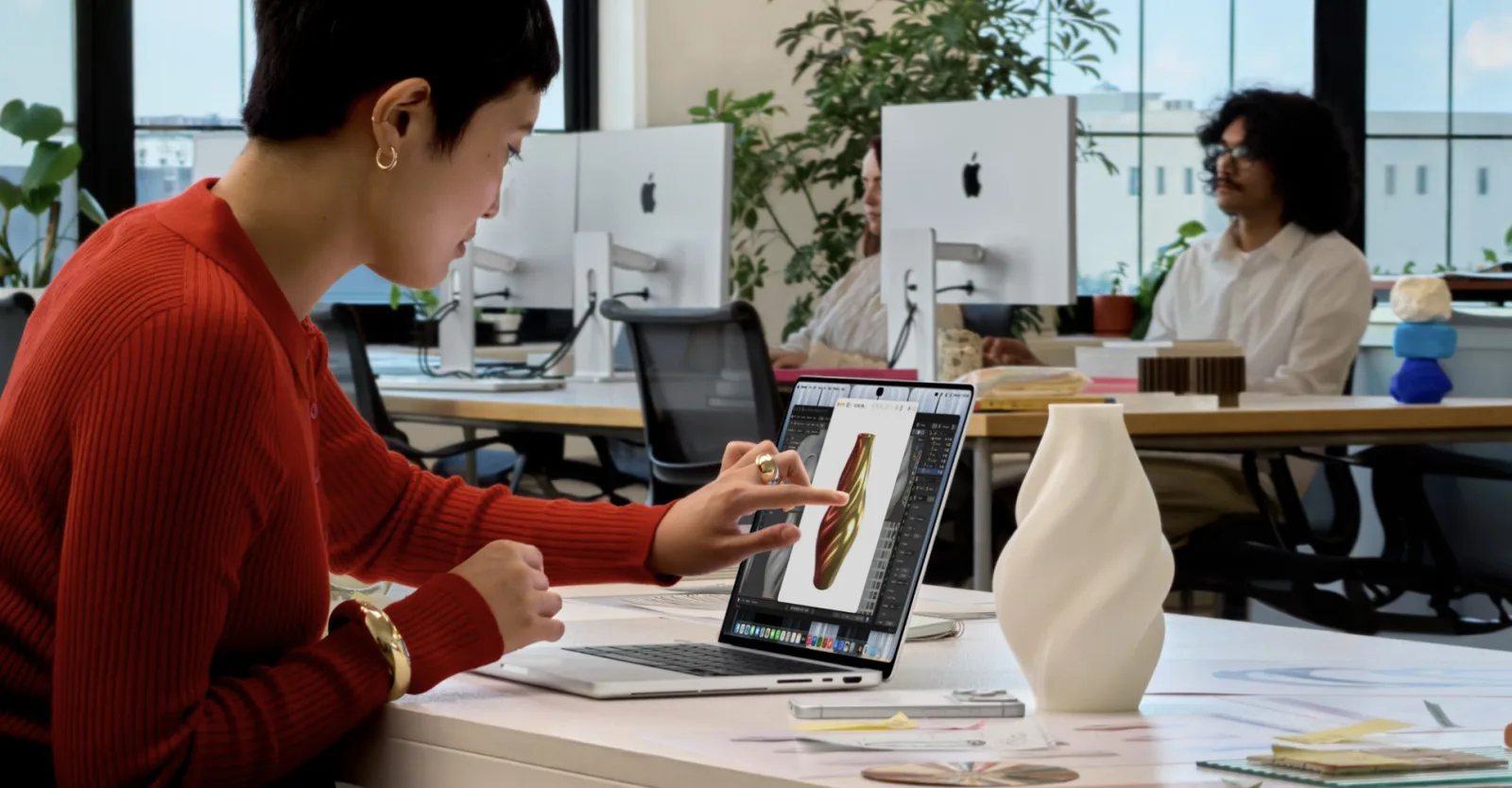
Image: Here’s how macOS is changing for touchscreens · Source
Apple has unveiled its first MacBook with a touchscreen, bringing touch controls to macOS without an extensive system overhaul. Touch interaction will be supported mainly through apps, with key features like Dynamic Island debuting on the new MacBook Pro.
Apple has announced its first MacBook with a touchscreen, marking a new direction for the traditionally non-touch macOS interface that has long contrasted with Windows touchscreen laptops. Rather than a sweeping redesign of macOS for touch input, Apple is focusing on selective system enhancements and app optimizations to leverage the new hardware capabilities.
One of the notable additions is the introduction of iOS’s Dynamic Island feature to the new MacBook Pro. Apple highlights that the Dynamic Island’s touch controls will be especially useful for common tasks like accepting AirDrops and pausing music playback, integrating touch more seamlessly into these interactions.
Beyond that, touch input on the new MacBook Pro will support familiar gestures such as pinch-to-zoom on photos, drag-and-drop between presentations, and swipe scrolling on web pages — reflecting standard touchscreen functionality rather than radical new methods of interaction.
Apple’s own applications have been "optimized" for touch, with the system automatically translating touch gestures into mouse clicks where appropriate. Additionally, several third-party professional and creative apps, including Notion, Canva, Zoom, Microsoft Word, Excel, PowerPoint, Adobe Lightroom, and DaVinci Resolve, are set to enhance their support for multitouch controls on macOS. This suggests that touch input will often act as a complementary input method, rather than replacing keyboard and mouse interactions throughout the operating system.
Other touch-friendly features include the ability to double-tap to enter full-screen mode — analogous to double-clicking — and the intuitive touch-based resizing of windows by dragging corners.
This touchscreen support is part of a broader pattern of hardware and software innovation from Apple in 2026, including launches of the iPhone Duo folding phone, the HomeView smart home display, and enhancements across Apple Watch and Siri functionality. The addition of a touchscreen MacBook with partial macOS touch integration signals Apple’s measured yet meaningful step into touch-enabled computing on the Mac platform.
Overall, Apple’s approach balances maintaining the familiar macOS desktop experience with introducing selective touch functionalities, primarily within apps that benefit from multitouch input. This restrained integration underscores Apple's intent to blend touch controls as an optional enhancement rather than a wholesale change to the Mac user interface.


Sources and original reporting
Read the original source ↗
Comments (0)
No comments yet. Start the discussion.
Write a comment
Comments are published after moderation. Your name and comment will be visible publicly. Account