
Apple MacBook Pro with PROLED XDR Display: A Practical Review for Creative Professionals and Power Users
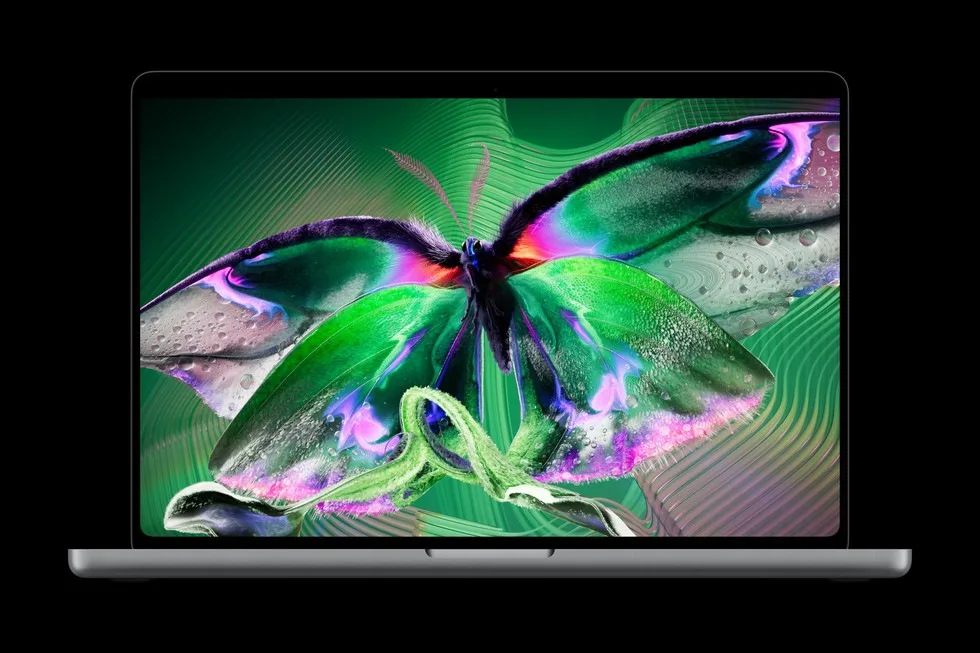
Image: Official product photography / Apple · Source
This review explores the Apple MacBook Pro featuring the groundbreaking PROLED XDR Display and Touch interface, powered by M5 Pro and M5 Max chips, focusing on its design, performance, display innovations, and suitability for demanding professional workflows.
Introduction to the MacBook Pro with PROLED XDR Display
Apple has introduced a new iteration of its MacBook Pro lineup, featuring the PROLED XDR Display and Touch interface for the first time on a Mac. Available in 14- and 16-inch variants, these laptops combine a thinner, lighter chassis with a high-brightness, high-contrast display and Apple’s latest M5 Pro and M5 Max system-on-chips. This combination aims to meet the needs of professional users across creative, scientific, and software domains with enhanced visual fidelity, interaction modalities, and computational power.
Physical Design, Appearance, and Hardware Controls
The 14-inch model weighs approximately 3 pounds, while the 16-inch model is around 4 pounds, marking a half-pound and 0.7-pound reduction respectively from previous generations. This weight savings is largely attributable to the new tandem OLED display technology allowing a slimmer, more efficient panel stack. The design features thinner bezels, expanding the display size slightly to 14.2 inches and 16.3 inches respectively, without increasing overall chassis footprint significantly. A newly engineered hinge adds display stability, particularly relevant with the introduction of the Touch interface.
The device includes three Thunderbolt 5 ports, HDMI output, an SDXC card slot, a MagSafe charging port, and a headphone jack, providing versatile connectivity for peripherals and external displays. It supports up to three external displays with M5 Pro and up to four with M5 Max configurations. Wireless standards include Wi-Fi 7 and Bluetooth 6 for fast and reliable connections. The keyboard retains its traditional layout and is complemented by the new Touch-enabled display.
PROLED XDR Display Technology
At the heart of the new MacBook Pro lies the PROLED XDR Display, which incorporates advanced tandem OLED technology. This design innovation stacks OLED layers in a manner that significantly reduces internal reflections, maintains brightness and grayscale uniformity across the panel, and inhibits burn-in through pixel usage monitoring and compensation techniques. The display achieves up to 2000 nits of peak brightness for both HDR and SDR content, with an industry-leading 10,000,000:1 contrast ratio, ensuring deep blacks and vibrant highlights.
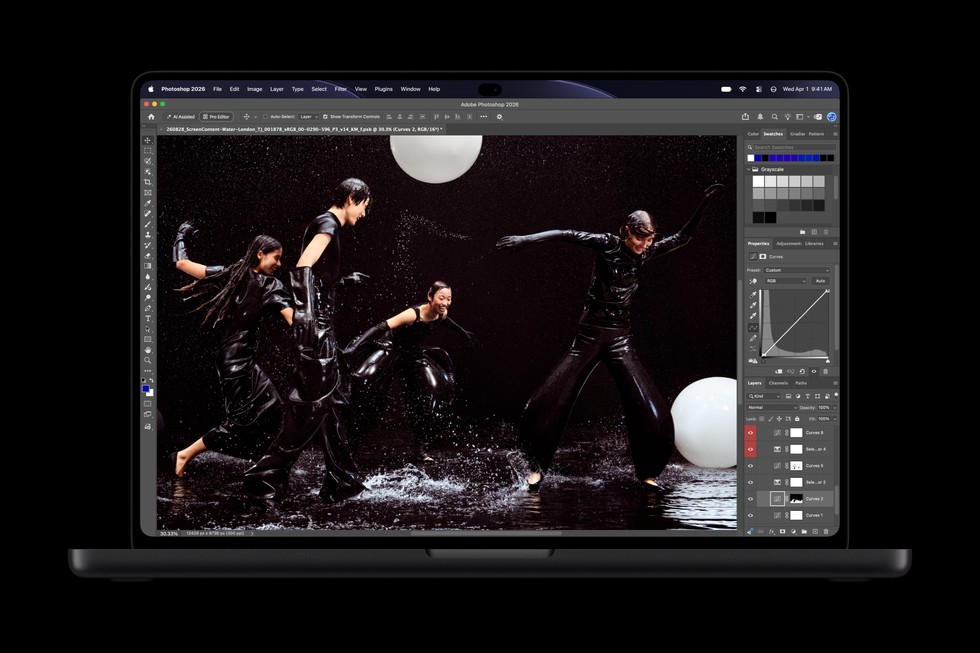
Color representation is enhanced by coverage of both the DCI-P3 and Adobe RGB color spaces, critical for professionals in photography, design, and video editing. The color gamut extends especially in green and cyan ranges and covers more than 80% of Rec. 2020 for HDR workflows. A factory calibration process guarantees precise luminance, white point, and color matching, facilitating the use of this screen as a portable reference display.
The display engine operates at sub-millisecond precision to control pixel luminance and color dynamically, adjusting for environmental factors and content characteristics. ProMotion technology allows an adaptive refresh rate ranging from 10Hz to 120Hz to balance fluidity and power efficiency.
Touch Interface Integration
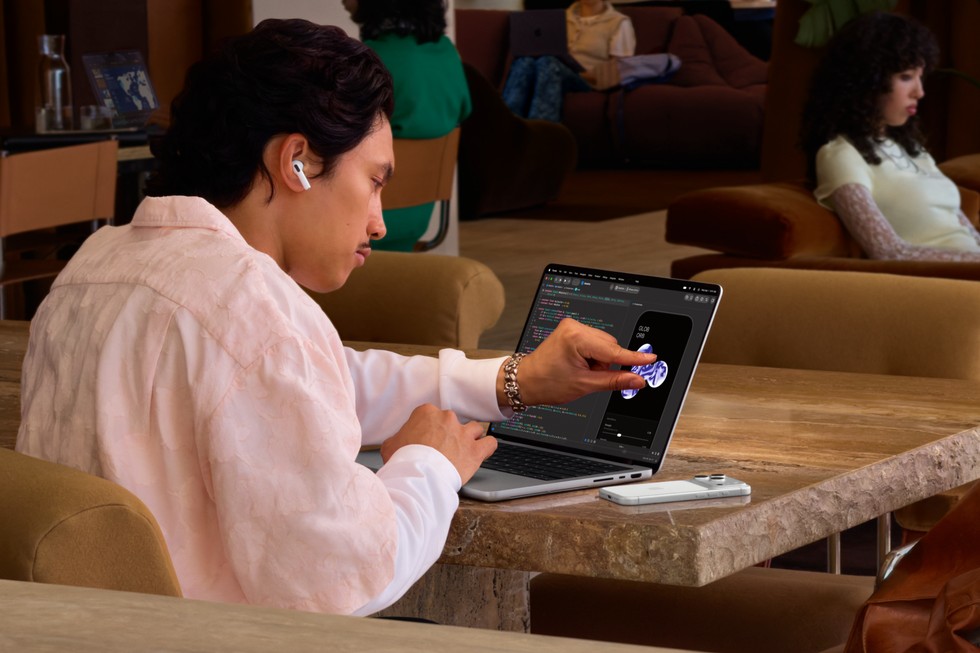
Introducing Touch on the MacBook Pro display represents a significant change in user interaction paradigms. Early tasks include standard touchscreen gestures such as scrolling, pinching, dragging, and flicking windows into arrangement. The touch sensor's integration within the display panel reduces interaction latency and enhances tactile accuracy.
Beyond everyday usage, professional applications leverage Touch for creative workflows. Graphic designers can utilize the entire screen as a drawing canvas, musicians may play software instruments onscreen, and developers can debug and test iOS/iPadOS touch input behavior directly. The interaction design complements established keyboard shortcuts and trackpad gestures and benefits from system-wide gesture API updates.
To stabilize touch interactions, the new hinge and real-time video feed smoothing during video calls address potential usability concerns related to screen movement under user input.
Computational Performance: M5 Pro and M5 Max Chips
The MacBook Pro models offer either the M5 Pro or the M5 Max SoC, Apple’s most powerful chips to date for professional laptops. Both chips provide significant gains in CPU single- and multi-threaded performance, unified memory access speeds, and graphics processing capabilities.
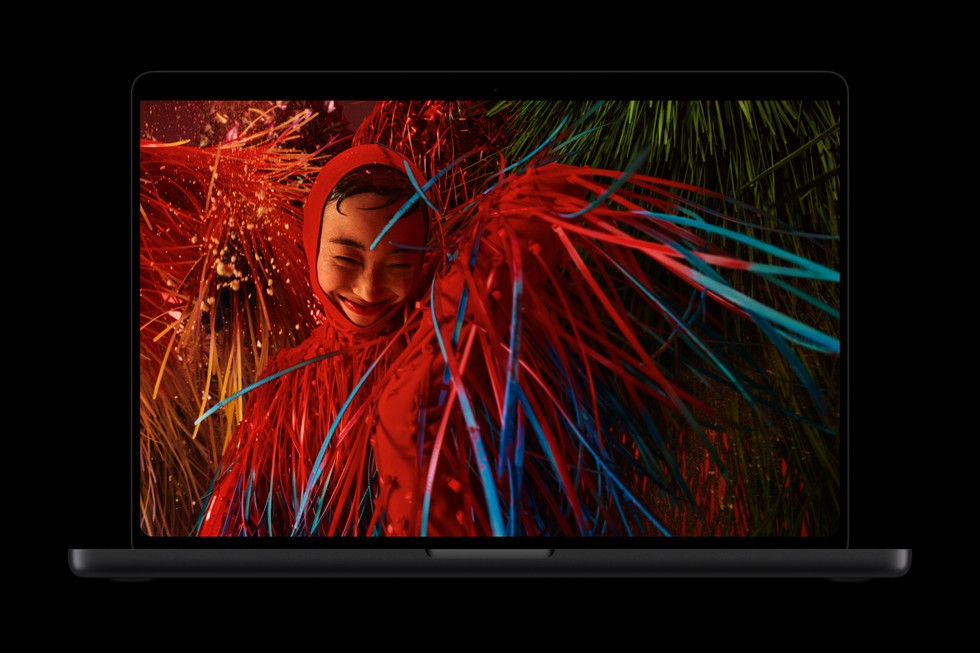
M5 Pro targets demanding general workflows including software compilation, AI task execution, DNA sequencing, and multi-stream 8K video editing in ProRes format. M5 Max caters to ultra-intensive workloads like 3D visual effects (VFX) rendering, AI model deployment with hundreds of billions of parameters, film composition, and 8K post-production.
Each GPU includes enhanced shader cores and a third-generation ray-tracing engine to support photorealistic lighting and faster rendering in professional 3D modeling applications. Dynamic Caching optimizes on-chip memory, further improving GPU utilization and accelerating workflows in Blender, Unreal Engine, and AAA gaming titles.
The built-in Neural Accelerator in each GPU core boosts AI workload efficiency for tasks such as running local large language models (LLMs).
Audio and Video Capabilities
The MacBook Pro features a six-speaker sound system redesigned with new woofers delivering 50% deeper bass and tweeters designed for refined sound dispersion and clarity. Support for Spatial Audio with Dolby Atmos offers immersive audio for content consumption and production alike. The system includes studio-quality microphones optimized for calls, recordings, and voice commands. Dedicated audio tuning enhances sound quality even when the laptop lid is closed and connected to an external display.

The integration of a 12MP Center Stage camera incorporates software-based framing and stabilization to complement Touch interactions and videoconferencing.
Software Experience: macOS 27 and Apple Intelligence
macOS 27 “Golden Gate” powers the new MacBook Pro, incorporating extensive support for Touch alongside traditional input methods. It unifies various AI-driven Apple Intelligence features, such as Siri AI integration in Spotlight and Dynamic Island, and system-wide contextual understanding. Siri AI can assist with complex queries, file navigation, and cross-app operations while preserving user privacy.
Dynamic Island serves as an interactive hub for system notifications, Live Activities, and Siri AI tasks, creating a centralized point for essential information and controls. App developers can leverage updated system gesture APIs to craft products optimized for Touch, and Apple’s suite of applications is pre-configured for the new interface.
Additional software capabilities enhance tab organization, automation via Shortcuts, and intelligent photo editing. The Liquid Glass UI refinement introduces personalized appearance controls.
Example Workflow 1: Graphic Designer Using PROLED XDR and Touch
User: Professional graphic designer Task: Digital illustration and photo editing with color precision Prerequisites: MacBook Pro with PROLED XDR, installed Pixelmator Pro, created digital assets Steps: Initialize device, configure color settings ensuring Adobe RGB or P3 as required, engage touch input for direct screen drawing, use stylus or finger for brush control, utilize multi-touch gestures to zoom and pan the canvas Successful Deployment: Achieved precise color fidelity matching industry standards, seamless touch responsiveness enabling natural drawing experience, non-disruptive integration with keyboard shortcuts Limitations/Checks: Verify compatibility and calibration for external color workflows, confirm stylus support per documentation, observe any touch latency in extremely detailed tasks

Example Workflow 2: Musician Playing Software Instruments Onscreen
User: Professional musician and producer Task: Live instrumentation and sequencing using Logic Pro Prerequisites: MacBook Pro with PROLED XDR and Touch, Logic Pro installed, MIDI configurations set Steps: Launch Logic Pro, enable Multi-Touch keyboard and drum pads on screen, perform music input via touch, adjust instrument parameters through on-screen controls, record sequences Successful Deployment: Responsive touch input with low latency, accurate audio output with spatial sound, easy switching between touch and traditional input devices Limitations/Checks: Assess audio latency in complex sessions, ensure touch detection accuracy during fast playing
Example Workflow 3: AI Developer Running On-Device Inference
User: AI software developer Task: Run large language model inference on-device for privacy-sensitive applications Prerequisites: MacBook Pro with M5 Max, relevant AI frameworks installed, pre-trained LLM models configured for local execution Steps: Deploy AI model on device, run inference tasks using the Neural Accelerator, benchmark performance, iterate model tuning Successful Deployment: Efficient execution of large AI models without offloading to cloud, measurement of inference speed and resource utilization, integration with development environments Limitations/Checks: Confirm supported frameworks align with Apple silicon, manage thermal performance under prolonged load, storage availability for models
Backup, Maintenance, and Security Considerations
The MacBook Pro supports standard Apple ecosystem backup solutions such as Time Machine. With Touch ID included, user authentication and device security meet Apple’s existing secure enclave standards. macOS 27 introduces privacy protections tied to Siri AI and intelligent features. Users should verify in official documentation for details on disaster recovery, warranty service, and repair processes given the new hardware architectures.
Who This MacBook Pro Is For
This model fits professionals engaged in advanced graphics, video editing, 3D modeling, music production, scientific computing, and AI development who demand both unparalleled display performance and powerful computational capabilities. It notably serves those requiring a portable solution with reference-grade color accuracy and dynamic touch interactivity.
However, users with basic computing needs or workflows incompatible with macOS or Apple’s architecture may find the investment disproportionate. Compatibility with some legacy applications should be reviewed prior to purchase.
Conclusion
Apple’s MacBook Pro with PROLED XDR Display and Touch introduces a convergence of state-of-the-art display technology, advanced chip performance, and new input paradigms within a lighter, redesigned chassis. The tandem OLED display delivers exceptional brightness, contrast, and color fidelity critical for color-aware professionals. The addition of Touch unlocks new creative workflows while maintaining traditional input methods. The M5 Pro and M5 Max systems provide substantial computational headroom for demanding workflows and on-device AI.
This review is based on the official Apple announcement and product details from October 2026 and summarizes documented features and recommended use cases without hands-on evaluation or third-party benchmarking.
Sources and original reporting
Read the original source ↗
Comments (0)
No comments yet. Start the discussion.
Write a comment
Comments are published after moderation. Your name and comment will be visible publicly. Account