
Nextcloud Hub: Practical Review of the Self-Hosted Digital Workspace for Secure Collaboration and Productivity
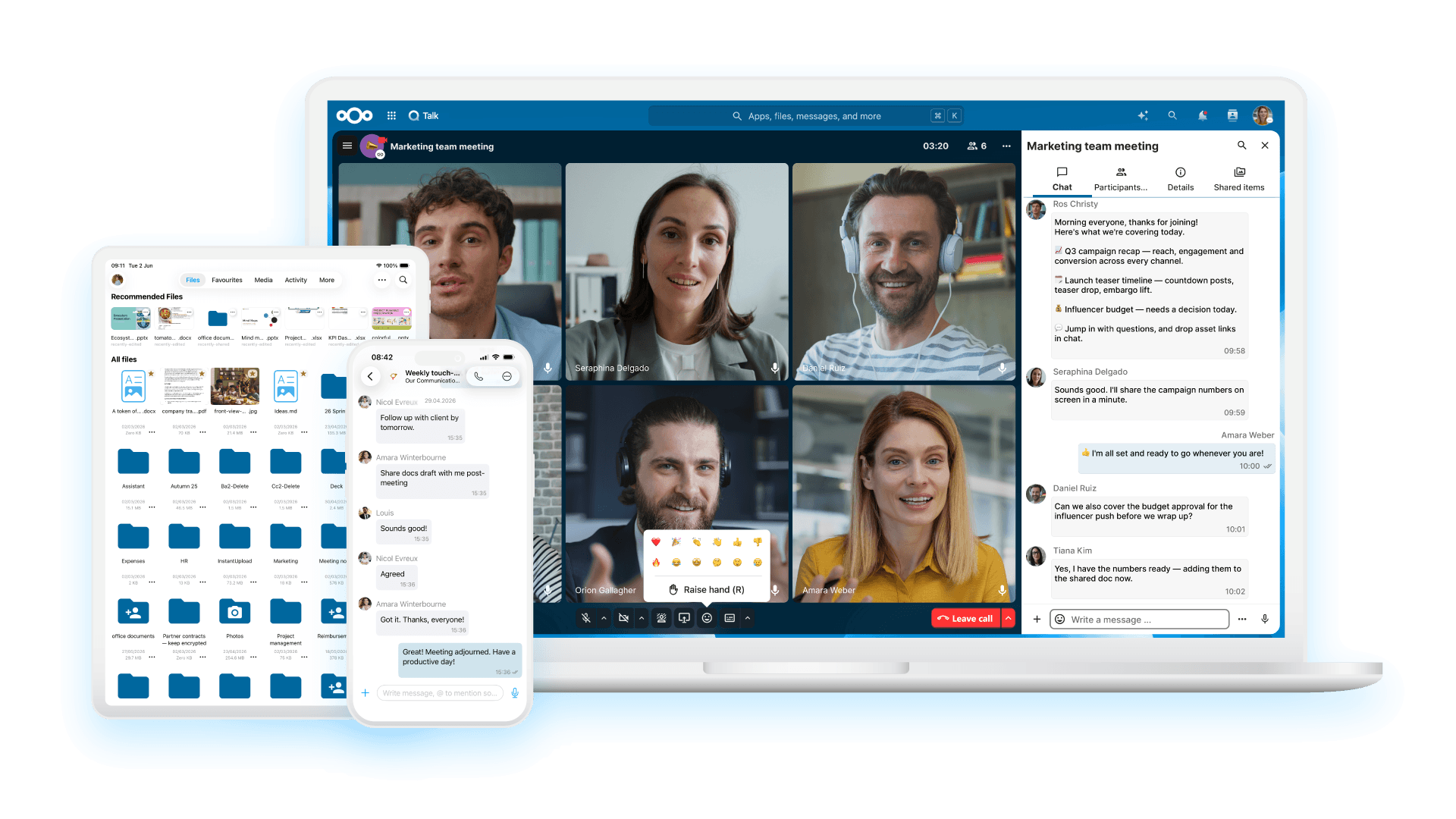
Image: Nextcloud · Source
Nextcloud Hub offers an integrated, self-hosted digital workspace combining file sharing, collaboration, communication, and automation tools, emphasizing security, privacy, and user control. This review examines its documented features, use cases, deployment options, and suitability for various organizations.
Introduction to Nextcloud Hub
Nextcloud Hub is an open-source, self-hosted digital workspace designed to unify productivity and collaboration tools into a single modular platform. By integrating file storage, real-time collaboration, communication, and workflow automation, it aims to replace disparate software-as-a-service (SaaS) applications that typically introduce compliance, security, and productivity challenges. Developed and maintained by Nextcloud GmbH, it is notable for offering organizations complete control over their data and infrastructure choices.
Core Components and Features
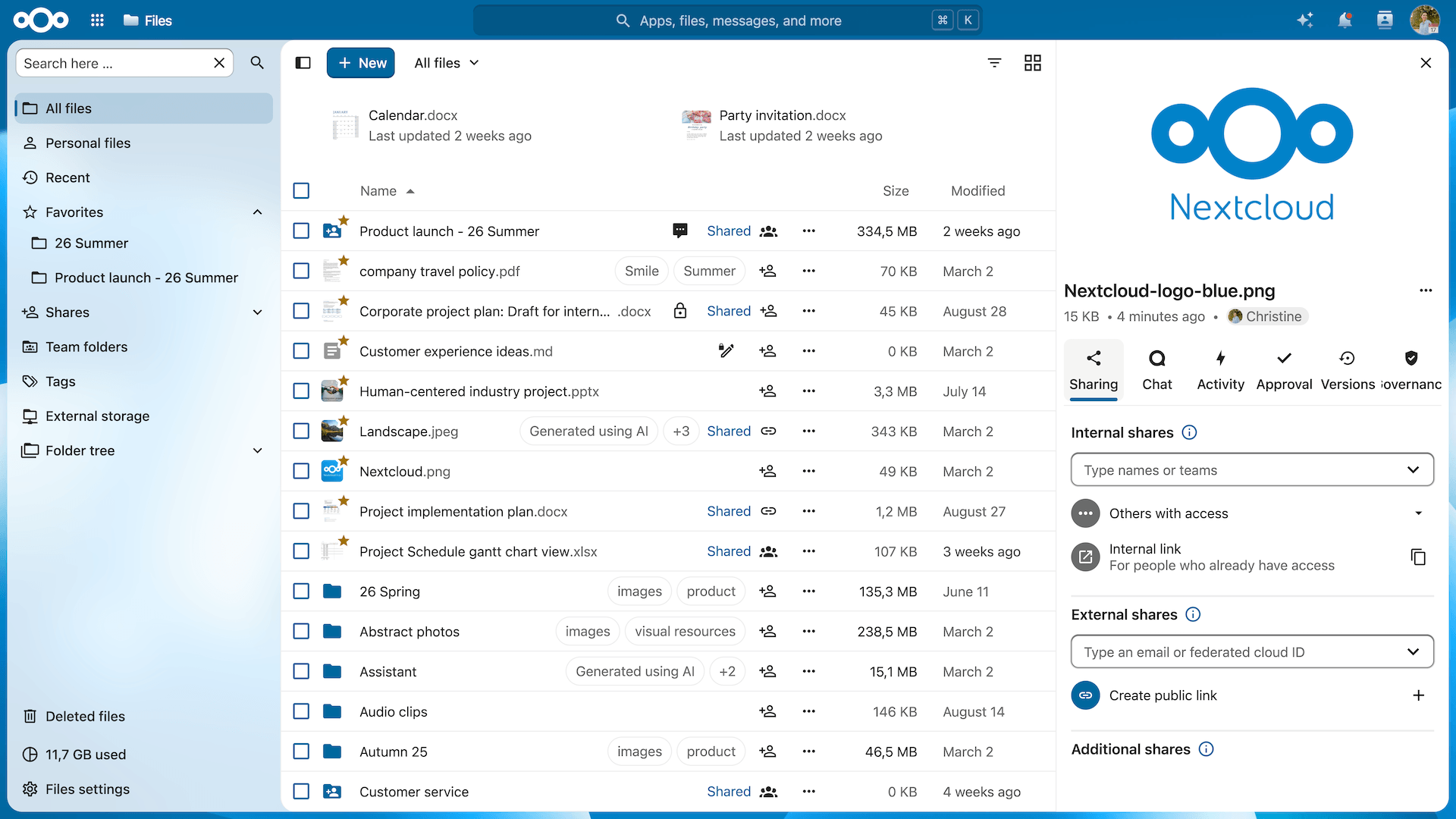
Nextcloud Hub combines several integral modules, each contributing to a comprehensive digital workplace: - **Nextcloud Files:** Provides secure file storage, synchronization, and sharing capabilities accessible via desktop, mobile, and web interfaces. It supports powerful collaboration features with rule-based file access control and deep productivity app integrations. - **Nextcloud Talk:** Enables private, on-premises audio and video conferencing alongside text chat, supporting personal and group conversations, integrated screen sharing, and SIP telephony functionality. - **Nextcloud Groupware:** Integrates email, calendar, contacts, and advanced planning tools into a unified interface, facilitating team organization and communication. - **Nextcloud Office:** An online office suite supporting collaborative editing of documents, spreadsheets, and presentations in real-time, compatible with all major file formats and modern browsers. - **Nextcloud Assistant:** A privacy-focused, local AI assistant integrated within the workspace, enabling document, image, and text generation, as well as AI-driven task automation under full user control. - **Nextcloud Flow:** Offers low-code and no-code automation tools for business process workflows, allowing organizations to streamline internal procedures and enhance efficiency.
Deployment Flexibility and Infrastructure Control
A key feature of Nextcloud Hub is its versatile deployment options, granting organizations control over data location and infrastructure: - **On-Premises Deployment:** Hosting Nextcloud on internal servers maximizes control and data privacy, supporting even completely air-gapped environments disconnected physically from the internet. - **Private or Public Cloud Hosting:** Nextcloud can be deployed on a variety of cloud platforms or providers, facilitating rapid scaling and flexible resource allocation. - **Hybrid Configurations:** Organizations may combine local infrastructure with cloud services to meet diverse compliance or operational requirements.
These options help accommodate varied data residency, security, and compliance needs.
Security and Compliance Considerations
Nextcloud Hub incorporates comprehensive enterprise-grade security features documented to aid regulatory compliance: - Multi-layered encryption methods protect data at rest and in transit. - Rule-based access controls govern file and resource permissions dynamically. - Integration with existing user directories such as LDAP and Active Directory enables unified identity management. - Two-factor authentication (2FA) and single sign-on (SSO) enhance authentication security. - Data recovery mechanisms help mitigate risks from accidental deletion or ransomware.
By centralizing security management within a single platform, Nextcloud minimizes the risks inherent to fragmented toolsets.
User and Access Management
Nextcloud Hub supports flexible user and group management to suit organizations of varying size and complexity: - Connectivity with external user directories ensures smooth integration into existing identity infrastructures. - Built-in account management enables administrators to assign granular permissions and organize users into groups. - Authentication standards such as SSO and 2FA provide secure and user-friendly login experiences. - These capabilities facilitate consistent governance across all integrated tools.
Ecosystem, Extensibility, and Integration
With over 600 apps available via its App Store and an open API, Nextcloud Hub offers ample extensibility: - Integrations with popular services like Microsoft 365, Slack, and Miro extend its functionality. - Open API libraries promote interoperability with existing enterprise ecosystems. - The modular design allows organizations to enable only needed components, tailoring the platform to specific workflows.
Automation and Artificial Intelligence
Nextcloud Flow provides automation capabilities enabling both end-user and large-scale business process automation through intuitive, low-code/no-code interfaces. Nextcloud Assistant, as an embedded AI agent, offers privacy-conscious, context-aware generation of documents, text, and images and task automation capabilities—all within the self-hosted environment. This combination supports improved productivity without compromising data privacy by relying on external AI services.
Example Workflow 1: University Research Collaboration
**User and Task:** Academic researchers managing joint document drafts, data files, and communications securely.
**Prerequisites:** On-premises Nextcloud Hub deployment integrated with the university’s LDAP directory; access via desktop and mobile clients.
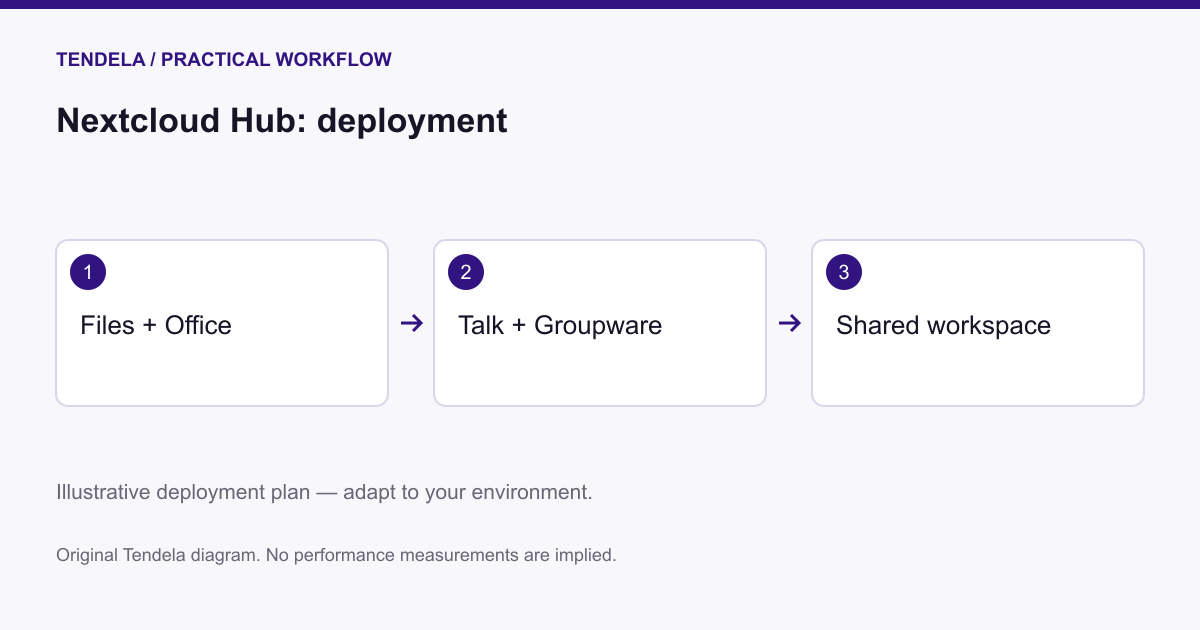
**Deployment Steps:** - Install and configure Nextcloud Hub on university-managed servers with secure network policies. - Establish project-specific user groups with strict access controls. - Use Nextcloud Files for storing and syncing research data and documents. - Schedule meetings and set project milestones using Nextcloud Groupware calendar. - Conduct discussions and presentations through Nextcloud Talk with screen sharing. - Collaborate on papers with Nextcloud Office’s real-time editing features.
**Success Indicators:** Confidential research data remains within institutional infrastructure; seamless collaboration and coordination enhance productivity.
**Limitations:** Requires dedicated server resources and IT expertise to maintain uptime and security; initial configuration complexity is non-trivial.
Example Workflow 2: SME Internal Communication and File Sharing
**User and Task:** Small-to-medium enterprise needs centralized file sharing, chat, and lightweight project management.
**Prerequisites:** Hosted Nextcloud Hub instance through a trusted cloud provider; staff uses desktop and mobile clients.
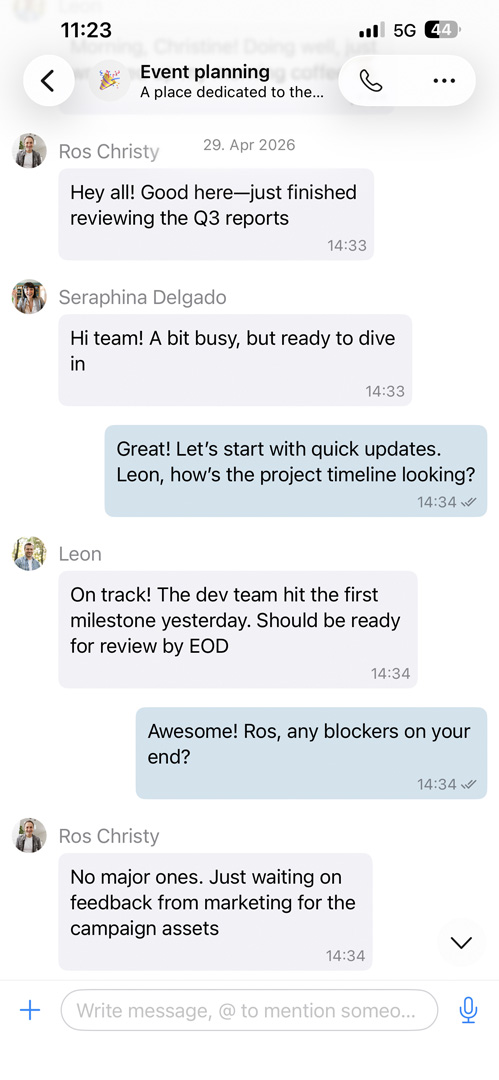
**Deployment Steps:** - Provision Nextcloud Hub in a private cloud environment with configured user accounts. - Enable Nextcloud Talk for team messaging and video conferencing. - Implement Nextcloud Flow to automate recurring monthly reporting workflows. - Share sensitive documents via Nextcloud Files, enforcing expiration dates and password protection.
**Success Indicators:** Efficient internal communication, centralized document access, and automated routine procedures improve operational efficiency.
**Limitations:** Dependence on the third-party hosting provider necessitates understanding and managing provider security and service policies.
Example Workflow 3: Non-Profit Organization Secure External Collaboration
**User and Task:** A non-profit organization collaborating with external consultants and volunteers on advocacy and event planning.
**Prerequisites:** Nextcloud Hub hosted by a managed service provider with granular sharing configurations; external collaborator accounts provisioned.
**Deployment Steps:** - Create limited-access guest user profiles for external partners. - Use Nextcloud Groupware calendars to coordinate event schedules. - Conduct virtual meetings and training sessions via Nextcloud Talk webinar features. - Collaboratively develop documents and marketing materials with Nextcloud Office.
**Success Indicators:** External contributors collaborate securely; sensitive internal files remain inaccessible; workflows remain transparent.
**Limitations:** Requires careful administration of guest permissions to prevent unauthorized data exposure.
Backup, Maintenance, and Updates
Maintaining Nextcloud Hub necessitates regular backups of its underlying database, file repositories, and configuration settings. The open-source nature allows administrators to tailor update schedules and apply security patches based on organizational policies. Documentation provides guidance on best practices for backups and upgrades, including rollback procedures and compatibility checks.
Compatibility and System Requirements
Nextcloud Hub supports native client applications on macOS, Windows, Linux, iOS, and Android platforms, ensuring broad device interoperability. Server hardware and software requirements depend on deployment scale, user counts, and expected workloads; consultation of official documentation is essential for accurate sizing.
Ideal Users and Organizational Fit
Nextcloud Hub is well suited for organizations that: - Prioritize data sovereignty and compliance. - Require an integrated digital workspace that consolidates collaboration and productivity tools. - Seek freedom to deploy on infrastructure of their choosing, whether on-premises or cloud. - Have access to IT resources capable of setup and ongoing maintenance.
It is less appropriate for users preferring fully managed SaaS solutions with minimal infrastructure responsibility or those requiring turnkey cloud-only services.
Conclusion
Nextcloud Hub presents a robust, flexible, and secure self-hosted digital workspace integrating file sharing, communication, collaboration, automation, and AI capabilities. It empowers organizations to retain full data control while streamlining productivity in a unified platform. Although it demands sufficient technical expertise for deployment and maintenance, its modular architecture and extensive app ecosystem support diverse collaboration scenarios—from academic research to enterprise and non-profit operations.
Source-Based Disclosure
This review is based entirely on publicly available product documentation and information provided by Nextcloud. It does not include empirical performance testing or user experience reports.
Sources and original reporting
Read the original source ↗
Comments (0)
No comments yet. Start the discussion.
Write a comment
Comments are published after moderation. Your name and comment will be visible publicly. Account