
Hetzner Cloud Review: A Practical Guide to Affordable, Flexible Cloud Hosting for Developers and Teams
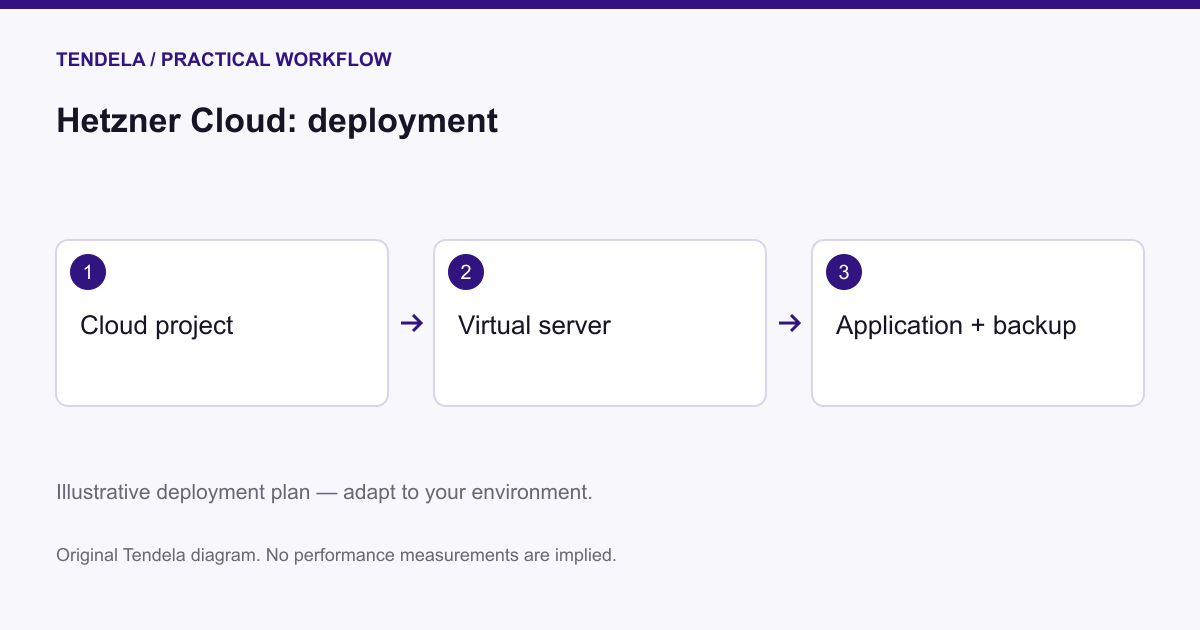
Image: Tendela / illustrative workflow · Source
Hetzner Cloud offers cost-effective, GDPR-compliant cloud servers with shared and dedicated plans, extensive automation options, and located data centers worldwide. This review covers setup, usability, security, networking, and use case scenarios for development, production, and high-performance workloads.
Introduction to Hetzner Cloud
Hetzner Cloud is a cloud hosting provider designed primarily for developers and teams seeking an affordable, flexible, and secure cloud environment. Operating data centers in Germany, Finland, Singapore, and the USA, Hetzner ensures global presence with low latency and compliance with European data protection standards, including GDPR and ISO/IEC 27001 certification.
Cloud Server Plans and Resource Options
The provider offers two main categories of cloud server plans: shared-resource and dedicated-resource servers. Shared plans optimize cost-efficiency by sharing hardware resources among users, suitable for low to medium traffic applications and test environments. Dedicated plans allocate dedicated vCPUs per instance, offering predictable performance for continuously high CPU usage scenarios like business-critical applications, gaming servers, or machine learning workloads. Selecting between these depends on workload pattern, expected traffic, and performance needs.
Server Creation and Customization Process
Creating a server in Hetzner Cloud is streamlined via the Hetzner Console web interface. Users select project context and define options including:
- Server plan type to match performance requirements. - Data center location optimized for proximity and latency. - Base image choice among various Linux distributions (Ubuntu, Debian, Fedora, etc.) or using snapshots or one-click applications. - Networking options: selecting up to two public IP addresses supporting IPv4 and/or IPv6, or opting exclusively for private IPs within private networks. - Integration of SSH keys for secure authentication. - Addition of block storage volumes for extended data storage. - Firewall assignment for traffic restriction based on rules. - Backup enablement, providing daily automatic copies with up to seven slots. - Placement groups for physical server distribution to mitigate hardware fault impact. - Labeling for resource organization and automation workflows. - Cloud-init for early server initialization scripting.
The console restricts certain configurations (e.g., SSH keys cannot be added post-creation via the console but can via CLI tools), requiring users to plan key integration ahead.
Networking and Security Features
Hetzner Cloud supports flexible networking setups with public and private IP configurations. Private networks enable direct server-to-server communication within isolated networks, essential for scenarios like Kubernetes clusters or private database access. Stateful firewalls are provided at no extra cost to allow easy configuration of inbound and outbound traffic rules, enhancing security without added infrastructure complexity.
Network planning should consider the need for public internet access versus isolating backend services on private networks. Firewall rules can be uniformly applied across multiple servers using labels, simplifying management.
Automation and Integration
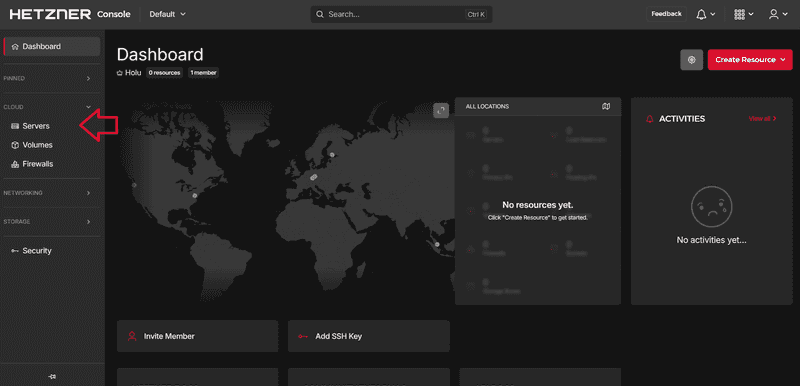
Hetzner provides a developer-friendly REST API and CLI tooling that support full cloud infrastructure lifecycle management. Integrations with popular programming languages (Python, Go) and configuration management or orchestration frameworks (Ansible, Terraform, Kubernetes) facilitate embedding Hetzner Cloud resources into CI/CD pipelines or larger automated environments.
This flexibility enables developers and DevOps teams to automate server provisioning, scaling, and decommissioning in line with application demands and deployment schedules.
Use Case Scenario 1: Development and Testing Environment
**User and Task:** Individual developer or small team creating a test environment for a web application.
**Prerequisites:** Requirement for low-cost, scalable instances with Linux OS, SSH access, and web server setup.
**Actionable Steps:** 1. Create a new project in the Hetzner Console. 2. Select a shared server plan optimized for cost-efficiency. 3. Choose a data center location nearest to the development team. 4. Select Ubuntu image for familiar environment. 5. Configure networking with a single public IPv4 address. 6. Add SSH key for secure login. 7. Enable daily automated backups to protect test data. 8. Deploy a one-click app such as Docker or WordPress, if needed.
**Successful Deployment:** Developer can access the server via SSH, deploy code, and engage in testing with predictable cost and resource allocation. Backups allow quick recovery.
**Limitations/Checks:** Shared resources mean performance may vary; not ideal for performance-sensitive testing. Verify backup schedules.
Use Case Scenario 2: Hosting a Medium-traffic Production Website
**User and Task:** Small business hosting a professional website requiring reliable uptime and moderate traffic handling.
**Prerequisites:** Stable server with predictable CPU performance, firewall security, backups, and ability to scale.
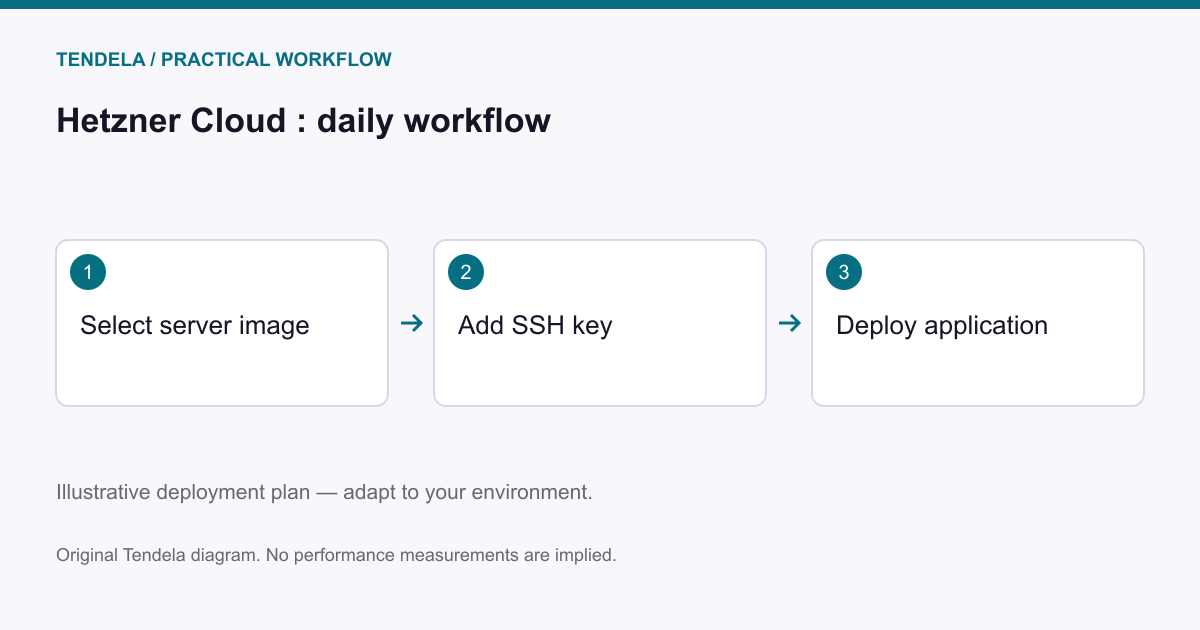
**Actionable Steps:** 1. Choose a dedicated resource server plan. 2. Select the closest data center in Europe. 3. Pick Debian or Fedora for enterprise-like environment. 4. Assign public IPv4 and IPv6 addresses. 5. Configure firewall rules via Hetzner Console for HTTPS and SSH traffic. 6. Mount block storage volume for media content. 7. Enable automated backups. 8. Use labels to organize servers and apply corresponding firewall.
**Successful Deployment:** Website operates with minimal downtime (99.9% SLA), traffic handled reliably, data securely stored and backed up. Firewall rules protect against malicious access.
**Limitations/Checks:** High traffic spikes may require resizing; watch resource utilization and rescale as needed.
Use Case Scenario 3: Running a Kubernetes Cluster for Big Data Processing
**User and Task:** Data engineering team deploying a Kubernetes cluster to process large datasets and execute machine learning models.
**Prerequisites:** Multiple dedicated servers with private networking, API-driven automation, and integration with orchestration tools.
**Actionable Steps:** 1. Create multiple dedicated servers in a placement group for fault tolerance. 2. Attach all servers to a private network to enable secure internal communication. 3. Use the REST API or CLI tools to automate server provisioning. 4. Integrate with Terraform or Kubernetes tooling for cluster setup. 5. Configure firewalls to restrict access and protect cluster nodes. 6. Use snapshots for quick server duplication. 7. Maintain backups of critical data.
**Successful Deployment:** A scalable, secure Kubernetes cluster with predictable performance, fast node provisioning, and fault-tolerant placement across physical servers.
**Limitations/Checks:** Network setup complexity requires planning; ensure private and public IPs correctly assigned. Cloud-init and scripting size limits may require external configuration management.
Backup, Maintenance, and Support
Hetzner provides daily automatic backups with up to seven slots per server facilitating point-in-time recovery. Users must enable backups per server and plan retention within these limits.
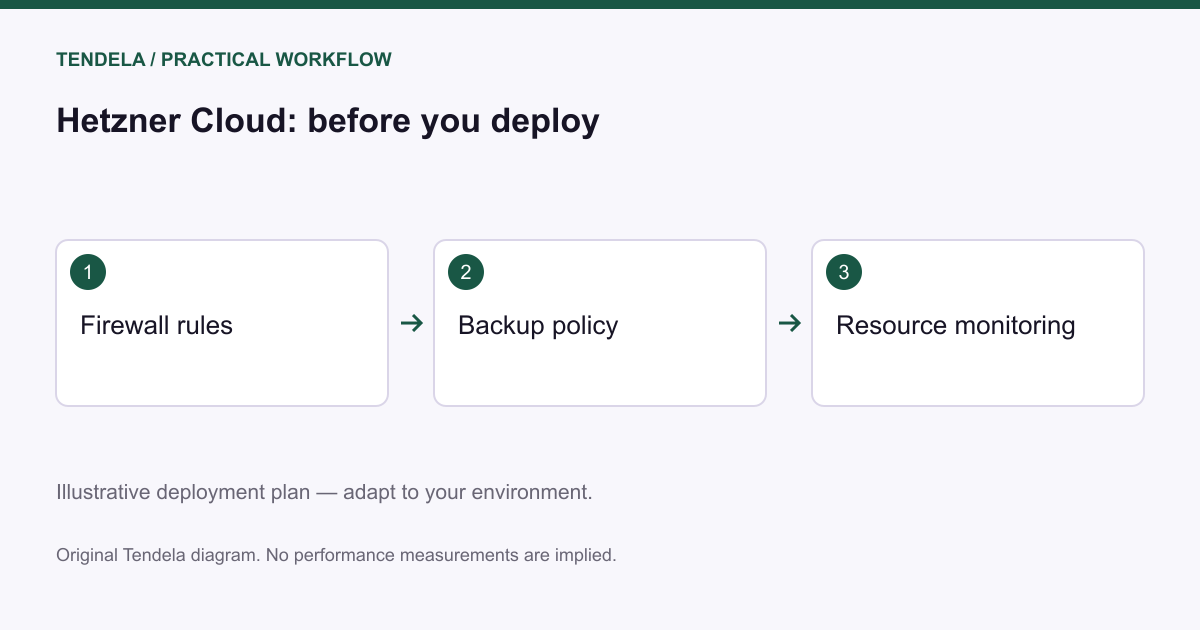
Maintenance is simplified with the ability to rescale servers dynamically and deploy updated images or snapshots. The provider offers a 99.9% uptime SLA and 24/7 email support, ensuring predictable reliability for professional workloads.
Security and Compliance Boundaries
Headquartered in Germany, Hetzner Cloud emphasizes data protection adhering to GDPR. Their data centers hold ISO/IEC 27001 certification and a C5 certification from the Bundesamt für Sicherheit in der Informationstechnik (BSI), confirming compliance with high security standards.
Users should consider data residency requirements; Hetzner data centers in Europe provide GDPR-compliant environments, whereas US or Singapore locations may be subject to local regulations.
Who Hetzner Cloud Fits and Does Not Fit
Hetzner Cloud suits developers, startups, and SMBs requiring cost-effective, flexible, and secure cloud servers with European data protection compliance. It is particularly strong when automation, scalability, and control over server infrastructure via APIs and CLI tools are priorities.
It may not be suitable for enterprises requiring extensive managed services, proprietary Windows workloads (not explicitly mentioned in documentation), or workloads demanding multi-cloud integrations beyond standard API tooling. Users needing SLA of over 99.9% or premium support options should verify current offerings.
Conclusion
Hetzner Cloud presents a well-rounded cloud hosting service combining affordability with features needed for development, production, and advanced workloads. The clear separation of shared and dedicated plans allows users to align their infrastructure selection with workload characteristics and budget.
The extensive control via console, API, and integrations offers fertile ground for automation and modern DevOps practices. Robust networking and security features, alongside compliance with European data protection laws and certifications, solidify its position for users valuing data sovereignty and predictable costs.
**Disclosure:** This review is based solely on official Hetzner documentation and publicly available information; it does not reflect hands-on testing or user testimonials.
Sources and original reporting
Read the original source ↗
Comments (0)
No comments yet. Start the discussion.
Write a comment
Comments are published after moderation. Your name and comment will be visible publicly. Account