
Synology DiskStation DS925+: Practical Storage Solution for SMBs and Advanced Home Users
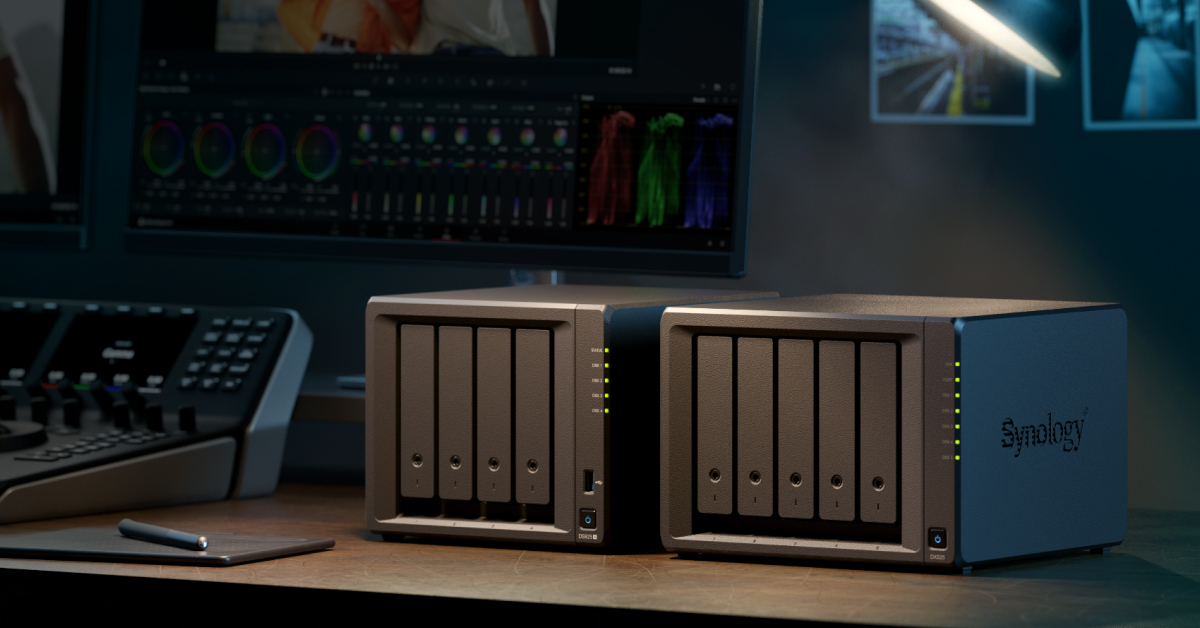
Image: Synology · Source
The Synology DiskStation DS925+ is a versatile 4-bay NAS with scalable storage, dual 2.5GbE ports, and rich software, ideal for SMBs and power users needing flexible backup, collaboration, and surveillance capabilities.
Introduction to the Synology DiskStation DS925+
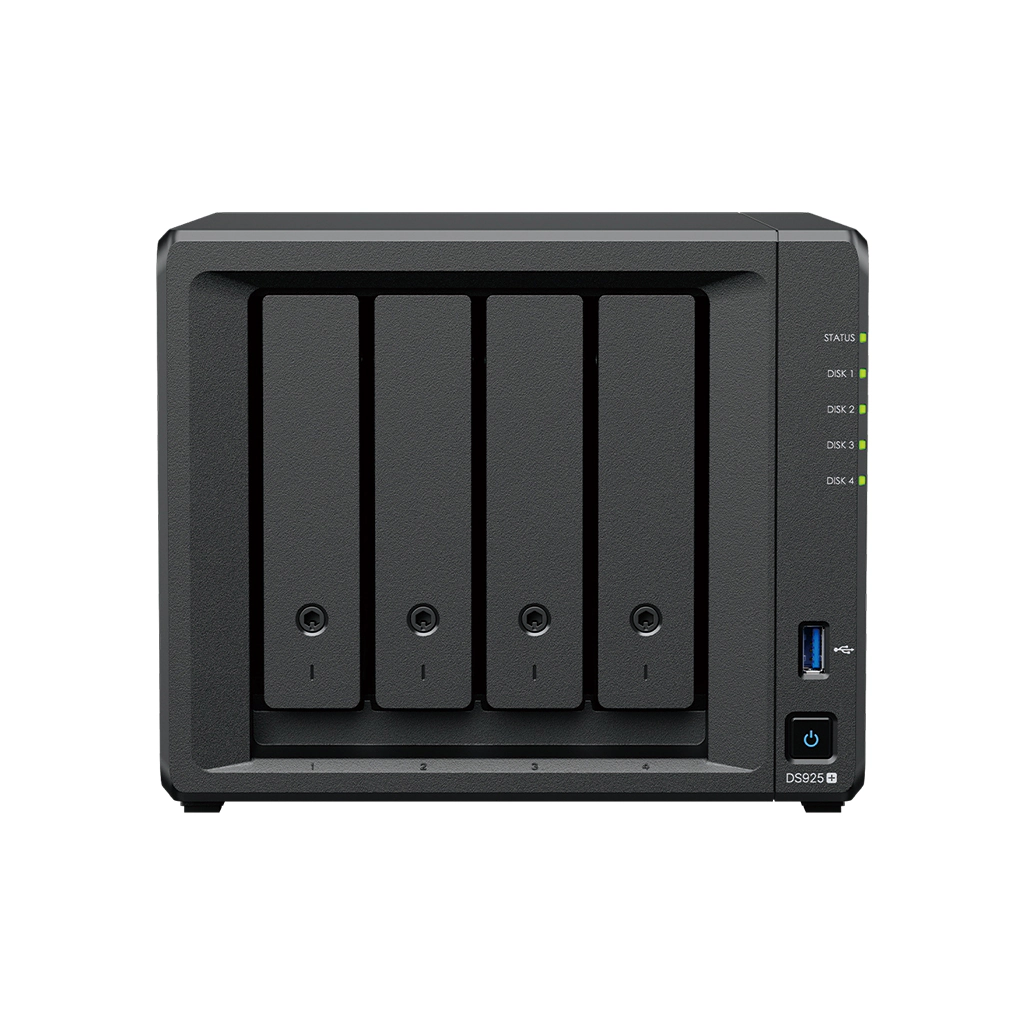
The Synology DiskStation DS925+ is a network-attached storage (NAS) device designed to deliver flexible and scalable storage solutions. It's equipped with a quad-core AMD Ryzen V1500B CPU and 4 GB DDR4 ECC memory (expandable up to 32 GB), supporting both SATA HDDs/SSDs and M.2 NVMe SSD slots for cache or storage pools. With dual 2.5GbE ports, it aims to provide high-speed connectivity alongside extensive software features tailored to home offices, small and medium businesses (SMBs), and edge computing environments.
Hardware and Storage Capabilities
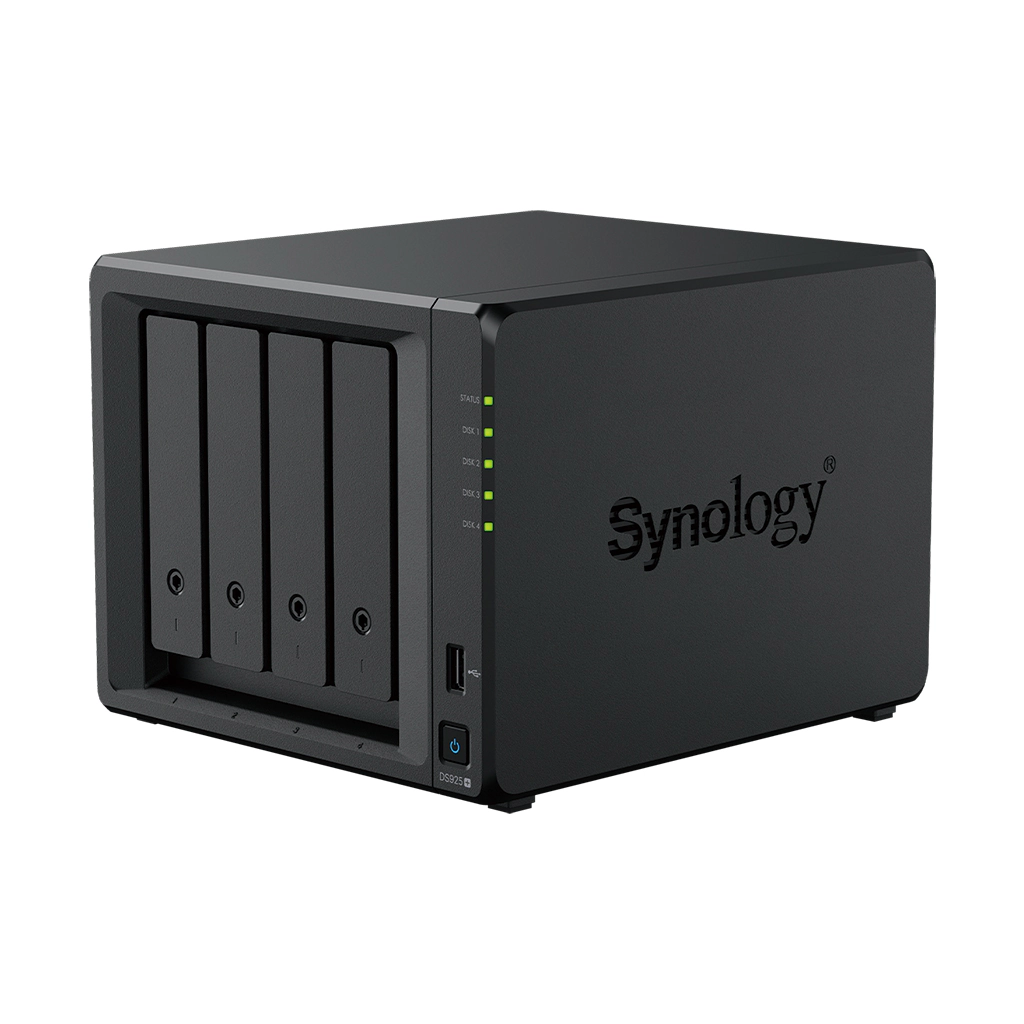
The DS925+ boasts four internal drive bays compatible with 3.5" and 2.5" SATA drives, offering up to 80 TB raw capacity using 20 TB drives. Expansion is possible via the optional DX525 unit, increasing total raw capacity to 180 TB with nine bays. Along with these bays, two M.2 2280 NVMe SSD slots support SSD caching or dedicated storage pools, enhancing performance, especially in read/write-intensive scenarios.
Notably, drive trays support hot swapping, improving maintenance flexibility; however, M.2 SSDs are not hot swappable. The device comes with two USB 3.2 Gen 1 ports and a USB Type-C expansion port to connect additional devices or expansion units. The NAS operates efficiently within 0-40°C temperatures and maintains quiet operation at around 20.5 dB(A).
Networking and Performance
Dual built-in 2.5GbE RJ-45 LAN ports allow link aggregation and redundancy, supporting up to 522 MB/s sequential read and 565 MB/s write speeds under optimal conditions. Pairing the DS925+ with Synology routers such as the RT6600ax or WRX560 can maximize these 2.5GbE connections. Network security and VLAN support are integrated, but users should verify specific configurations in detailed documentation to ensure compatibility with their networking environments.
Supported RAID Types and Data Protection
Synology offers various RAID configurations on the DS925+, including SHR (Synology Hybrid RAID), Basic, JBOD, RAID 0, 1, 5, 6, and 10 for flexible redundancy and performance optimization. RAID migration and volume expansion options facilitate storage management as needs evolve. Support for global hot spare drives further enhances data protection.
The system supports the Btrfs and ext4 file systems internally, with Btrfs enabling advanced features such as snapshots, data integrity checks, built-in compression, and deduplication. Automated, immutable snapshots support robust protection against ransomware and accidental deletion, and offsite replication further secures data continuity.
Software Ecosystem and Applications
The DS925+ runs Synology DiskStation Manager (DSM), an intuitively designed, user-friendly operating system suitable for IT professionals and non-experts alike. It offers comprehensive applications including:
- File sharing and synchronization across platforms via SMB, AFP, NFS, FTP, WebDAV protocols - Synology Drive for seamless file syncing and remote access - Synology Photos for private media management with auto-album creation - Backup solutions covering PCs, servers, VMs, and SaaS apps, supporting 3-2-1 backup strategies - Synology Office and Chat to enhance team productivity with real-time collaboration and messaging - Surveillance Station for video monitoring with support for over 8,700 IP camera models - Central Management System and Active Insight for fleet-wide NAS monitoring and management
Users can deploy additional packages from Synology's ecosystem to tailor the NAS to specific business or home office needs.
Security Considerations
Although the DS925+ supports encryption and firewall features within DSM, security boundaries align with standard NAS devices. Data encryption protects storage volumes, but the security of network access depends on proper configuration and patch management. Immutable snapshots help defend against tampering, but users should not assume absolute protection from network-based threats. Regular updates and proper network segmentation remain necessary.
Example Workflow 1: SMB File Server and Collaboration Hub
User and Task: A small marketing firm requiring centralized file storage with team collaboration and remote access.
Prerequisites: Wired or wireless LAN with at least 1GbE network, Synology DS925+ NAS with 4 HDDs configured in RAID 5 or SHR, Synology Office and Chat packages installed.
Actionable Steps:
1. Install four SATA hard drives and initialize DSM. 2. Configure storage volume with SHR or RAID 5 for redundancy. 3. Create shared folders with ACLs for different project teams. 4. Set up Synology Drive for file synchronization between employees’ devices. 5. Install Synology Office and Chat, onboard users with individual accounts. 6. Configure remote access via Synology QuickConnect or VPN for offsite staff. 7. Set scheduled backups of client computers and NAS data.
Successful Deployment Check:
- Multiple users can simultaneously access and edit documents with minimal latency. - Files sync correctly across devices. - Backup processes succeed without errors. - Remote users maintain secure access.
Limitations and Checks:
- Verify network environment supports sufficient bandwidth; 2.5GbE infrastructure preferred. - Monitor CPU and memory usage to consider upgrading memory if concurrent users exceed 50. - Plan for RAID volume rebuild times in case of drive failure.
Example Workflow 2: Video Surveillance Storage and Management
User and Task: Retail business deploying IP cameras to secure multiple locations with centralized video recording.
Prerequisites: DS925+ with compatible hard drives, installed Surveillance Station software, IP cameras supporting RTSP or ONVIF.
Actionable Steps:
1. Install surveillance-grade HDDs and configure storage pools. 2. Connect cameras to the network and add them in Surveillance Station. 3. Allocate licenses for cameras beyond the two free licenses. 4. Configure recording profiles, motion detection, and alert settings. 5. Enable offsite cloud backup with Synology C2 or similar for recorded footage. 6. Set retention policies and snapshot schedules for footage.
Successful Deployment Check:
- All IP cameras record at configured resolutions without dropped frames. - Surveillance Station interface allows live monitoring and easy playback. - Cloud backups verify completeness of stored footage.
Limitations and Checks:
- Total camera channels supported depend on resolution and codec (e.g., up to 40 channels at 1080p H.264). - Enable SRTP cautiously: while enhancing security, it reduces total performance to about 70%. - Surveillance licenses require budget planning.
Example Workflow 3: Hybrid Cloud Backup and Disaster Recovery
User and Task: An enterprise needing a hybrid backup solution combining on-premises NAS with public cloud storage.
Prerequisites: DS925+ with sufficient storage, Synology C2 Storage subscription, configured backup software (Hyper Backup), and network connectivity for cloud access.
Actionable Steps:
1. Set up local storage pools with redundancy (e.g., RAID 6). 2. Integrate Synology C2 Storage in Hyper Backup for offsite backup. 3. Schedule backup tasks covering critical servers, PCs, and NAS configurations. 4. Configure versioning and retention policies. 5. Test restore procedures periodically to verify backup integrity.
Successful Deployment Check:
- Backups run as scheduled without failure. - Data is accessible and retrievable both locally and from the cloud. - Snapshots allow recovery from specific points.
Limitations and Checks:
- Assess network bandwidth to accommodate offsite backup traffic. - Monitor cloud storage costs linked to data volume. - Confirm encryption is properly configured for data in transit and at rest.
Maintenance and Support
The DS925+ comes with a three-year hardware warranty, extendable by two additional years through Extended Warranty Plus, which also offers expedited services in incidents. Users should perform routine firmware updates, monitor disk health, and consider using Synology’s Active Insight cloud monitoring for proactive management. Warranty terms vary by region, and users must verify specifics for their location.
Compatibility and Expansion
Synology’s compatibility list should be consulted before purchasing drives or SSDs, particularly when mixing third-party hardware. The units support various hard drives including Synology’s Enterprise and Plus series HDDs and Enterprise SSDs specifically tested for these models. Expansion through a DX525 unit allows growth up to nine bays total, but using multiple different drive models or sizes in a single volume can affect performance or redundancy.
User Fit and Limitations
DS925+ fits SMBs and advanced home users needing reliable, scalable storage and versatile software tools without entering the enterprise tier. Its capacity and concurrent user recommendations position it well for up to roughly 80 users under typical workloads, but heavy virtualization or very high throughput needs may require more powerful devices. It is not intended as a direct solution for very large data centers or high-end enterprise SAN setups.
Security Boundaries
Users should configure NAS and network security comprehensively, as default setups may expose services if improperly managed. DSM supports standard security features like Firewalls, SSL certificates, 2FA, and access controls. Immutable snapshots and encryption add protections but cannot replace network security best practices and timely patching.
Conclusion
The Synology DiskStation DS925+ is a balanced NAS solution delivering flexible storage options, high-speed networking, and a rich software ecosystem. Its scalability via expansion units and M.2 SSD slots provides growth potential for evolving business needs. While the device suits SMBs, it requires careful configuration to meet security and performance targets. Synology's all-inclusive software licensing adds value, making DS925+ a practical choice where cost, flexibility, and backup capabilities are priorities.
Source-based review compiled from Synology Inc. official documentation as of 2024. No hands-on usage or third-party user reviews were incorporated.
Sources and original reporting
Read the original source ↗
Comments (0)
No comments yet. Start the discussion.
Write a comment
Comments are published after moderation. Your name and comment will be visible publicly. Account