
Tips to Master the Unique iPhone Duo Folding Experience
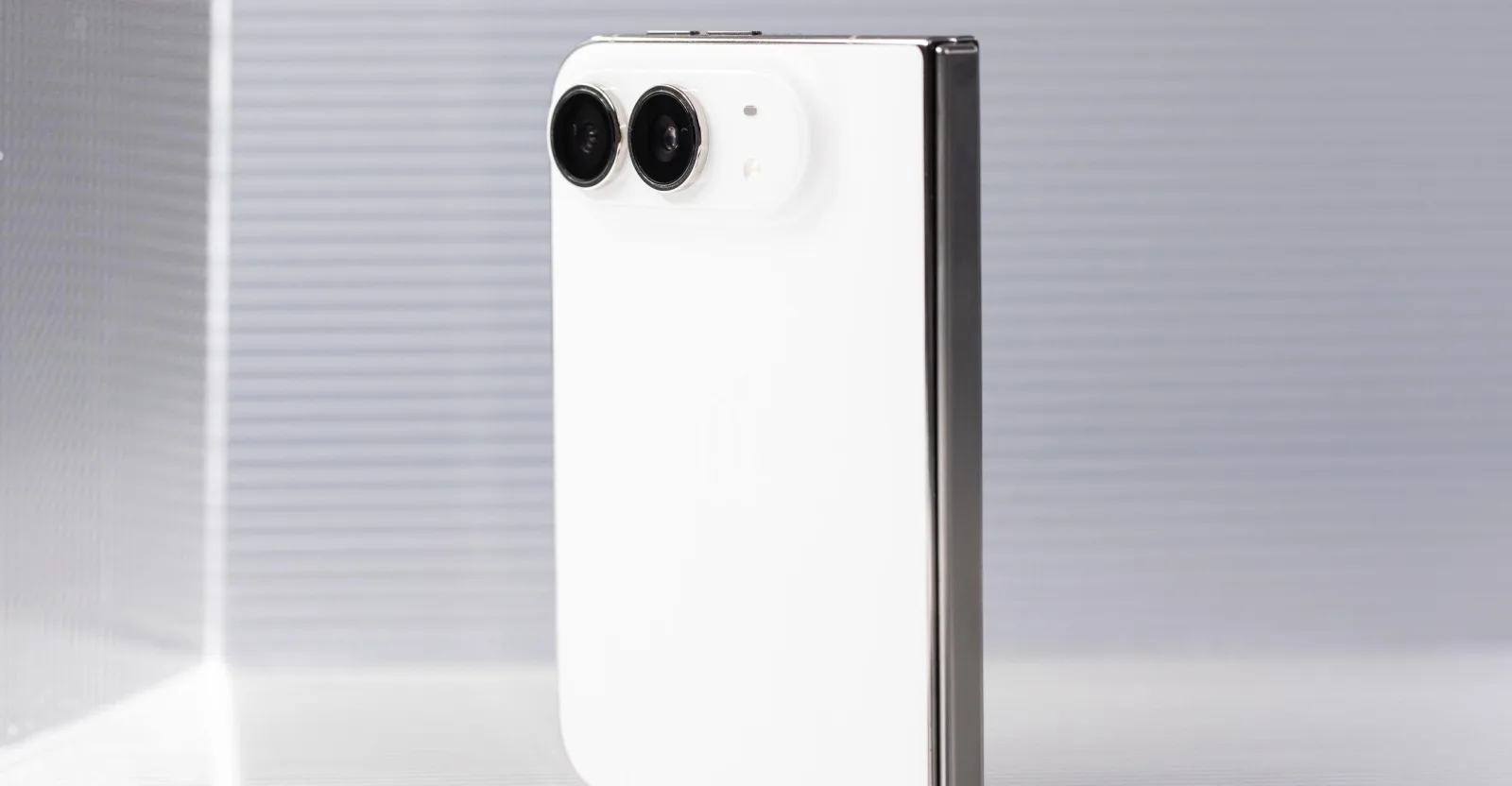
Image: Our best tips for using the iPhone Duo · Source
The new iPhone Duo introduces novel ways to use a foldable iPhone, such as independent screen orientation locks, remappable volume buttons, and multi-finger Touch ID registration. Users can also access Control Center via the Wi-Fi icon and experiment with video multitasking in portrait mode.
Apple’s recently launched iPhone Duo represents a significant departure from traditional iPhone designs, with its folding screen necessitating fresh user approaches. Early users and reviewers have discovered several useful tips for navigating this new form factor that combines two screens and flexible orientations. The Duo challenges long-held iPhone habits due to its dual screens—one a cover display, the other an inner foldable one—and is designed with several new interaction patterns in mind.
One notable feature allows the iPhone Duo to have orientation lock set independently on each screen. For example, users can lock the cover screen orientation to avoid unintended rotation while keeping the foldable inner screen free to rotate based on use case, such as propping the phone in tent mode where videos will auto-rotate seamlessly.
Since the phone can be used flipped or rotated differently, Apple includes an option to remap the volume buttons to always have the top button increase volume regardless of orientation. This is toggled via Settings > Sounds & Haptics > Fixed Position Volume Controls, helping users maintain intuitive volume control even when the device is upside down or sideways.
Another small but handy adjustment is that tapping the new combined Wi-Fi and battery status indicator pulls up the Control Center. This offers an alternative to the multitouch swipe shortcuts (swiping from the top left for notifications, top middle for Siri, and top right for Control Center), making one-handed operation easier.
Since the Duo’s foldable nature encourages handling in various positions, registering multiple fingers for Touch ID during setup is recommended beyond the usual single thumb. For example, using the left index finger for certain inner screen positions or the right pinky when the phone is rotated differently ensures smoother authentication without awkward hand movements.
Users curious about multitasking in portrait mode will find a workaround to run a video and another app simultaneously, although this feature remains limited and somewhat complex. By launching a video in an app like Prime Video, enabling picture-in-picture, then navigating to the home screen and opening another app before rotating into portrait, a stacking icon appears allowing the video window to overlap the app. This is less fluid than landscape side-by-side multitasking but expands use options.
Finally, due to the phone’s foldable design and weight, attaching a MagSafe PopSocket is advised to improve grip and comfort during extended use. Its magnetic attachment supports hands-free handling and complements the Duo’s magnetic back panel.
These early user discoveries highlight the learning curve and new interactions that the iPhone Duo demands. As adoption grows, more practical tips for optimizing workflows with this foldable iPhone are expected to emerge. For now, experimenting with these settings helps unlock the Duo’s potential beyond a conventional smartphone experience. Apple continues to innovate with foldable tech, signaling a fresh era for the iPhone lineup.


Sources and original reporting
Read the original source ↗
Comments (0)
No comments yet. Start the discussion.
Write a comment
Comments are published after moderation. Your name and comment will be visible publicly. Account