
Google Introduces Passkeys for Easier, More Secure Sign-Ins
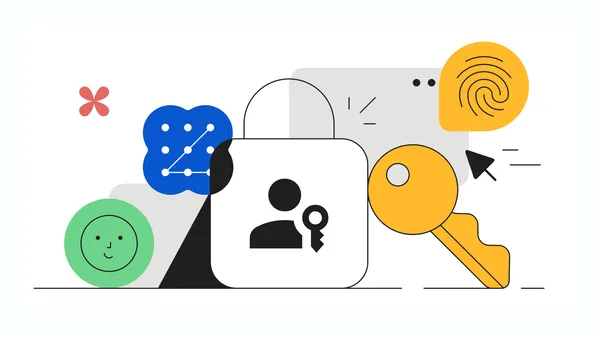
Image: Google · Source
Google now supports passkeys, allowing users to sign in using biometrics or device PINs, enhancing security and simplifying login without passwords.
In an initiative aligned with Cybersecurity Awareness Month, Google has introduced passkeys as a new method to sign in to Google Accounts and supported apps or websites. Unlike traditional passwords, passkeys enable users to authenticate using methods similar to unlocking their devices: fingerprint scans, facial recognition, or device PIN codes. This approach improves user convenience and bolsters security by eliminating password vulnerabilities.
Passkeys store biometric data locally on the user's device, ensuring that sensitive information such as fingerprints or face scans is never transmitted to Google or external servers. This local storage also makes passkeys resistant to common phishing attacks and credential theft that often compromise password-based systems.
To set up a passkey for a Google Account, users can visit g.co/passkeys, select “Create a passkey,” and follow on-screen instructions. Google emphasizes the simplicity of this transition, aiming to encourage widespread adoption of passkeys as a safer authentication standard.
This move aligns with broader industry efforts to replace passwords with more secure and user-friendly authentication technologies. By integrating passkeys directly into Google Accounts, Google leverages their massive user base to promote stronger cybersecurity practices.

Sources and original reporting
Read the original source ↗
Comments (0)
No comments yet. Start the discussion.
Write a comment
Comments are published after moderation. Your name and comment will be visible publicly. Account