
Unlock Productivity with Google Gemini Canvas: 4 Powerful Uses
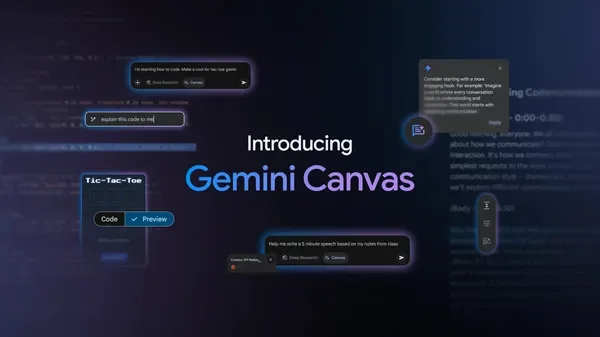
Image: Google · Source
Google's Gemini Canvas offers an interactive workspace enhancing chats with web app creation, custom study tools, productivity boosters, and writing refinement.
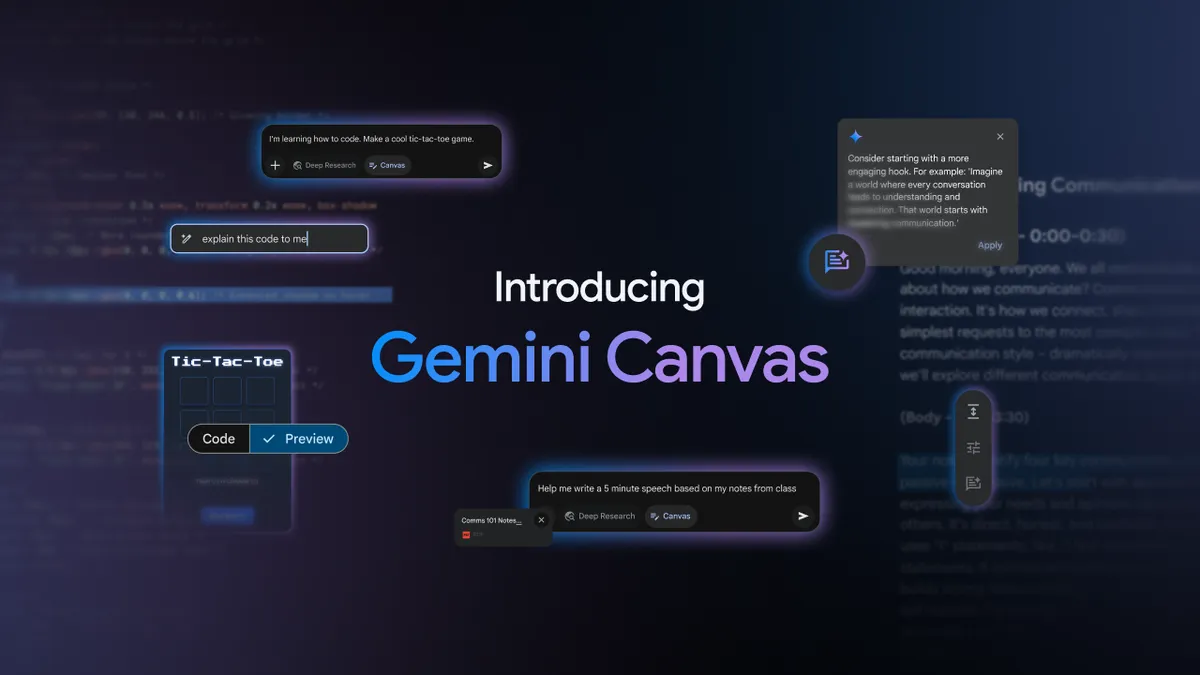
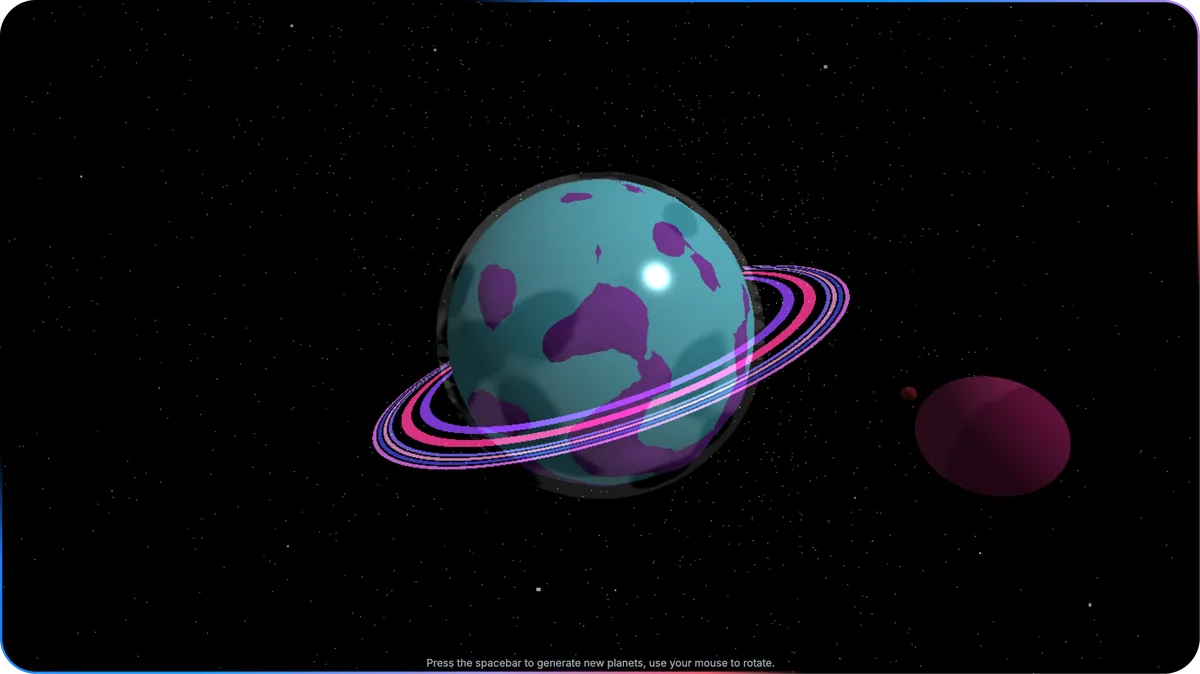
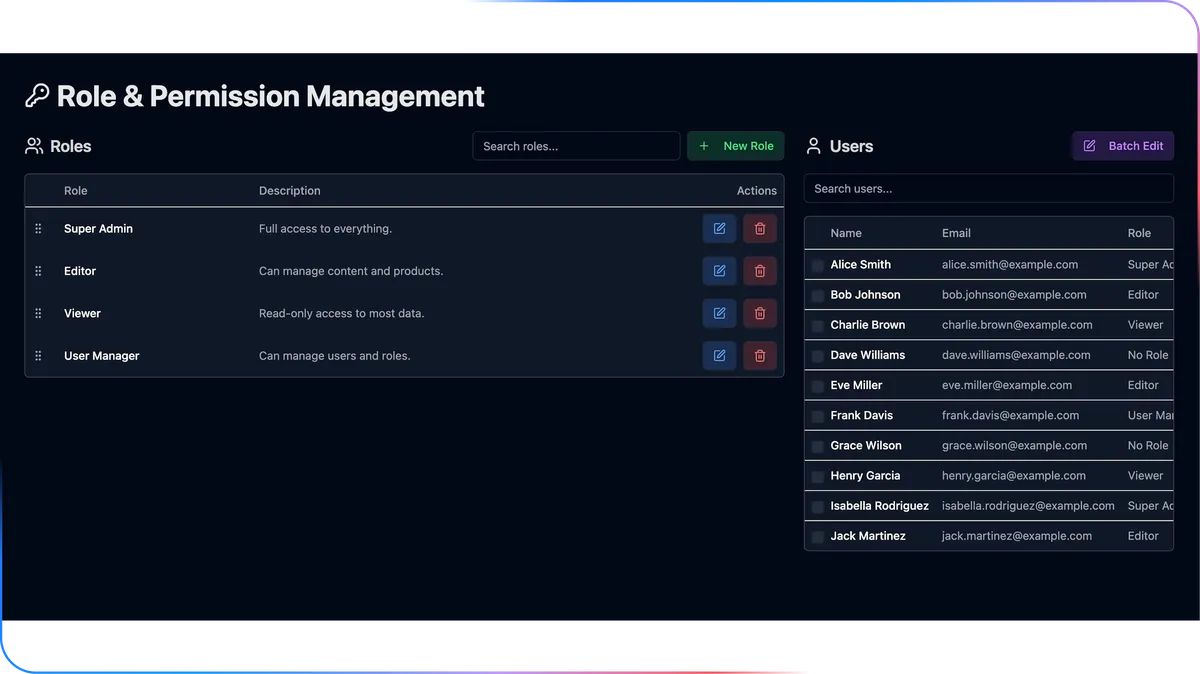
Google has introduced Gemini Canvas, an innovative interactive workspace designed to work alongside chat sessions, boosting productivity and creativity in diverse ways. According to Google's announcement, Gemini Canvas enables users to create web applications and mini-games, including 3D visualizers and playable browser games, directly within their chat environment. This feature opens possibilities for developers and creators to rapidly prototype interactive content without leaving their conversational context.
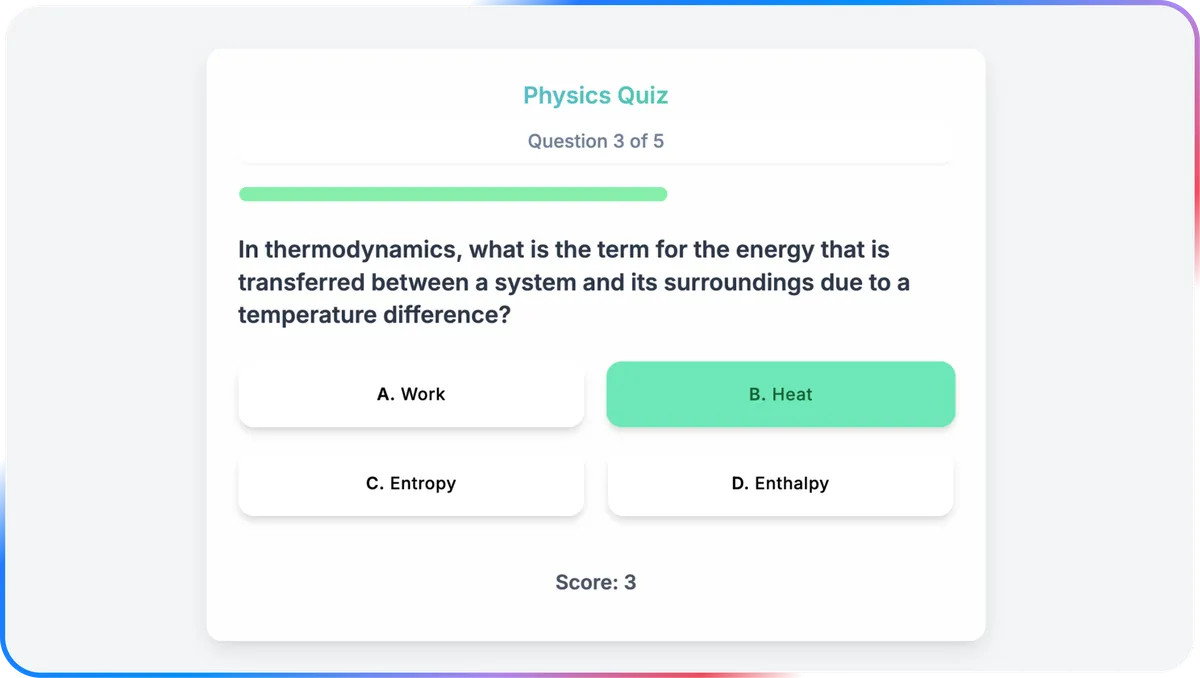
Beyond app creation, Gemini Canvas supports educational needs by allowing users to convert notes or PDF documents into interactive quizzes, flashcards, and sandbox environments. This customization promotes engaging and personalized learning tools adaptable to various study preferences. Additionally, the platform facilitates office productivity by transforming spreadsheets into functional tools such as sales trackers, pricing calculators, and task lists, making routine tasks more streamlined and visually manageable.
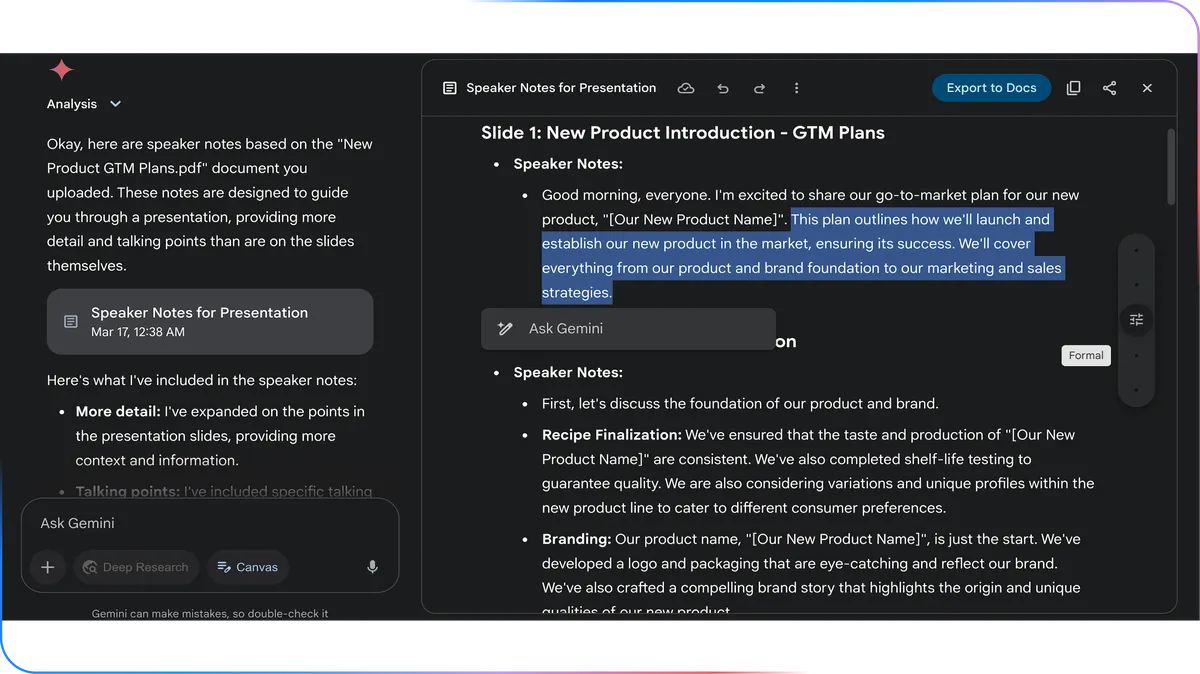
Another notable capability is the side-by-side writing refinement feature. Users can highlight text directly on the canvas to suggest adjustments in tone, rephrase sections, or restructure documents like proposals. This interactive editing enhances collaboration and content quality in real time.
Google encourages users to explore these features by integrating Gemini Canvas in their next chat, emphasizing its potential to revolutionize how tasks are managed and creative projects are developed within conversational workflows. Overall, Gemini Canvas represents a versatile tool blending interactivity with productivity across educational, professional, and creative domains.
Sources and original reporting
Read the original source ↗
Comments (0)
No comments yet. Start the discussion.
Write a comment
Comments are published after moderation. Your name and comment will be visible publicly. Account